
How to easily convert spreadsheets into professional-looking PDF reports
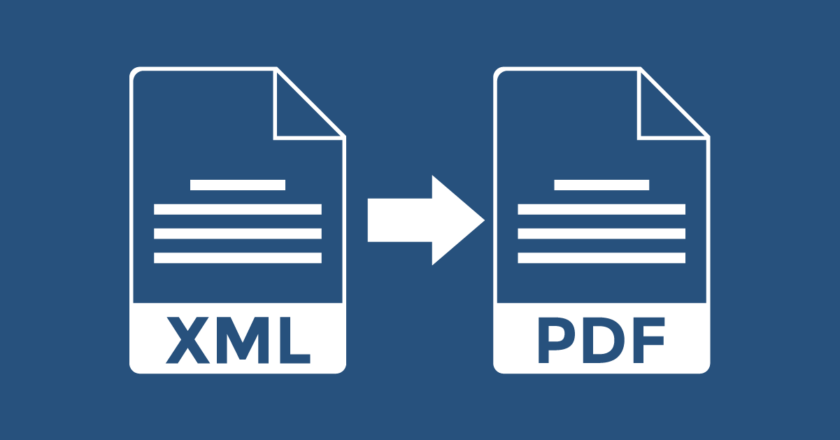
Spreadsheets greatly assist in organising complicated reports into simpler forms, thus providing better understanding and analysis. However, handling raw data arranged in a spreadsheet is a tremendous task. Visually, reports directly impact the company's brand perception, hence the need for professional-looking PDFs.This article will guide you on converting Excel to PDF reports.Use built-in options to convert into PDF:Most spreadsheet software contains a built-in feature for converting spreadsheets into PDFs. Here is a step-by-step guide to convert Excel sheet to PDF online.Select the Print Area● Select the range of cells you want to print/export.● To select the adjacent cells, work with the first cell selected, press the shift key on your keyboard, and then select the last cell....